The NoahFace App displays employee names for registration and greetings. For example:
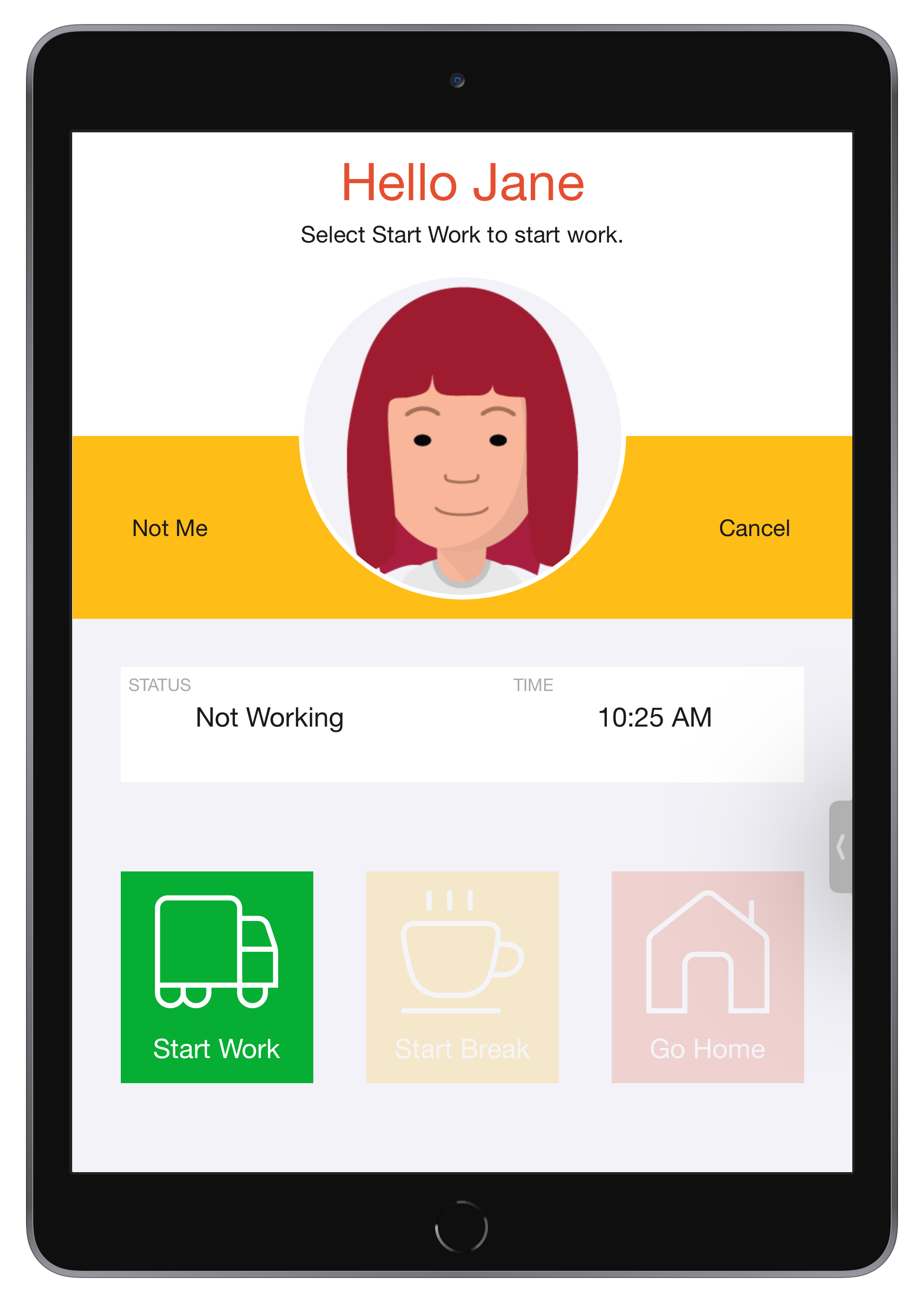
You can change the greeting to be more informal by specifying the "hello" screen configuration option. For example:
hello=Hi, fr-hello=Salut
By default, NoahFace will use an employee's preferred name and their last name as appropriate. These can be maintained in your HR / payroll platform (if you are synchronising users) or in the NoahFace Dashboard directly.
You can configure the way the NoahFace App displays employee first and last names by specifying the screen configuration options of "firstname" and "lastname" respectively. These can be set to any of the following:
The default configuration is: "firstname=auto, lastname=last".
Examples
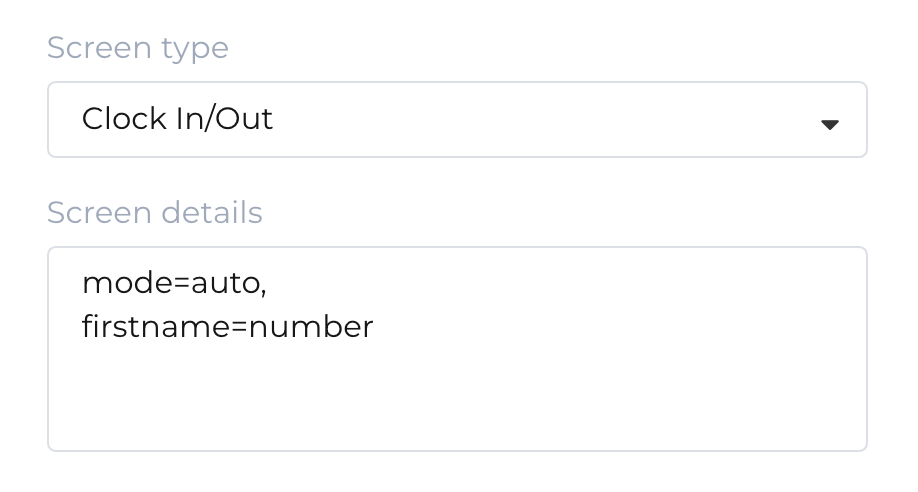
Obscuring Names
If you want to obfuscate names for privacy reasons, you might specify:
Employee Numbers
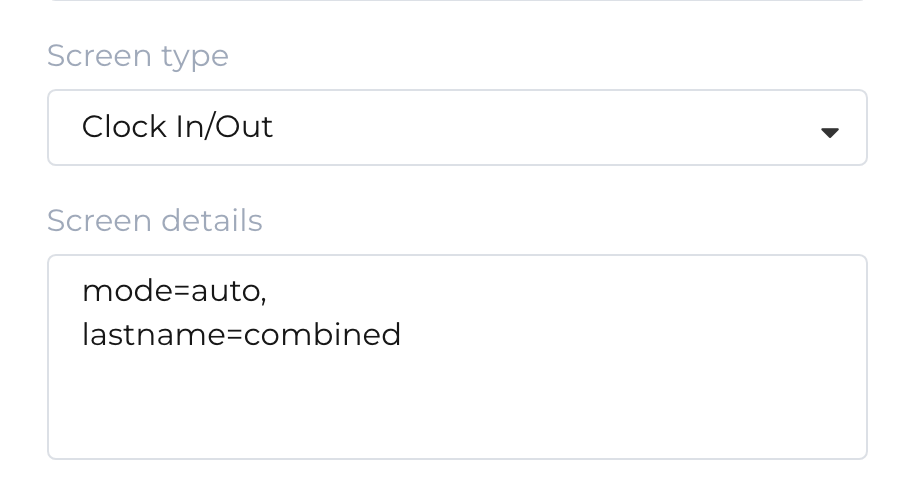
If you want to display employee numbers in user lists because you have many employees with the same first and last names, you might specify:
Was this article helpful?
That’s Great!
Thank you for your feedback
Sorry! We couldn't be helpful
Thank you for your feedback
Feedback sent
We appreciate your effort and will try to fix the article