NoahFace allows you to record a date for each user which can be used for a number of purposes, including:
There are four expiry modes that can selected by specifying the "expmode" option. With the default mode of "future", users are only granted access on or before an expiry date (eg: a license expiry date). With a mode of "today", users are only granted access on a specified date that is regularly updated (eg: the next rostered shift date). With a mode of "past", users are only granted access for a defined period after a specified date (eg: a training date or a vaccine date). Finally, with a mode of "annual", users are delivered a message on the anniversary of a specified date (eg: on their birthday or work anniversary).
For past expiry dates, you can define the number of days they are valid by specifying the "expdays" option, which defaults to 7. For example:
expmode=past, expdays=90
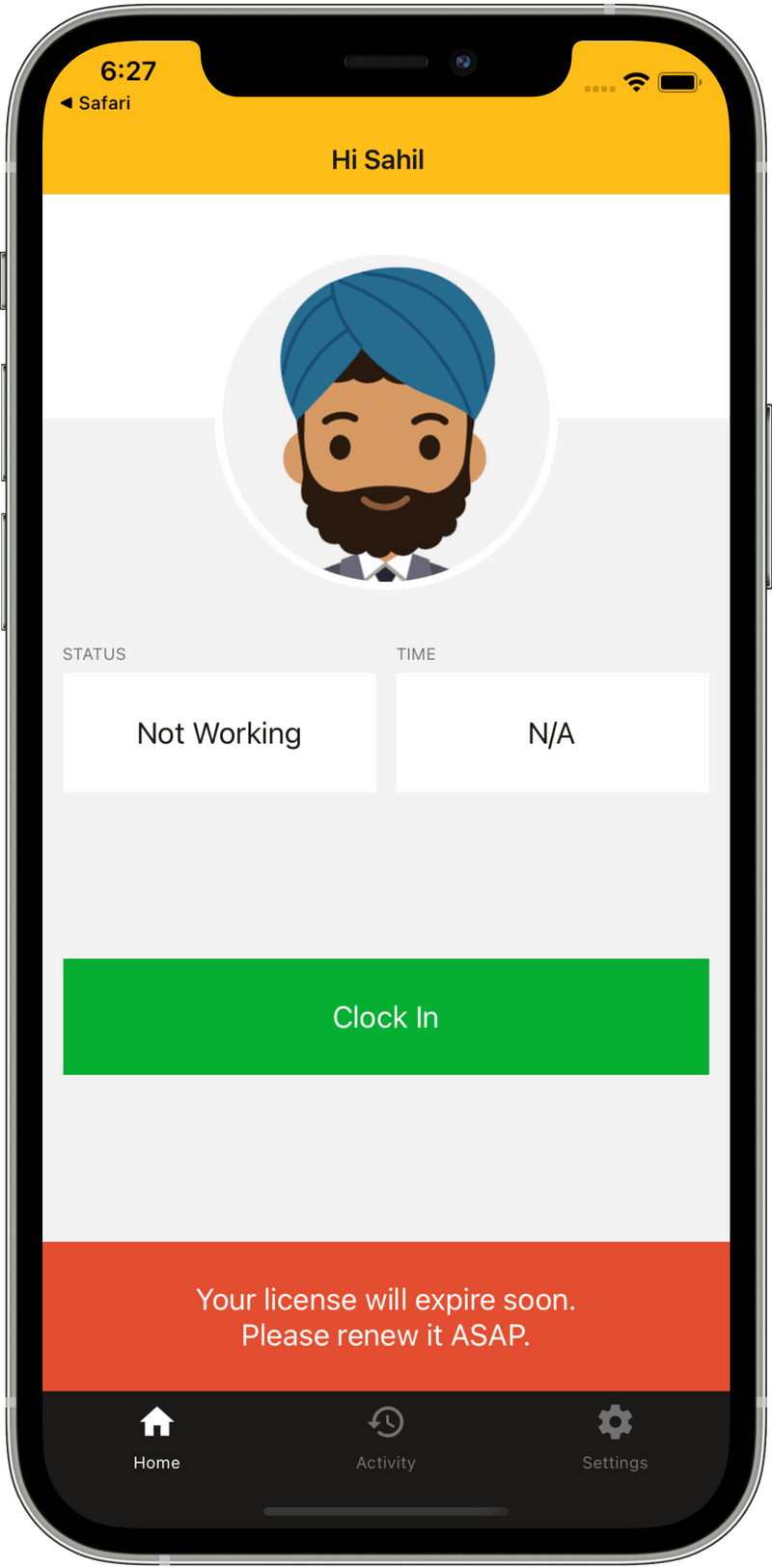
For both past and future expiry dates, you can optionally provide a pre-warning to users in advance of their access expiry. To do this, just specify the number of days in advance you want that pre-warning to be presented in the "expwarn" option. For example:
expmode=future, expwarn=30
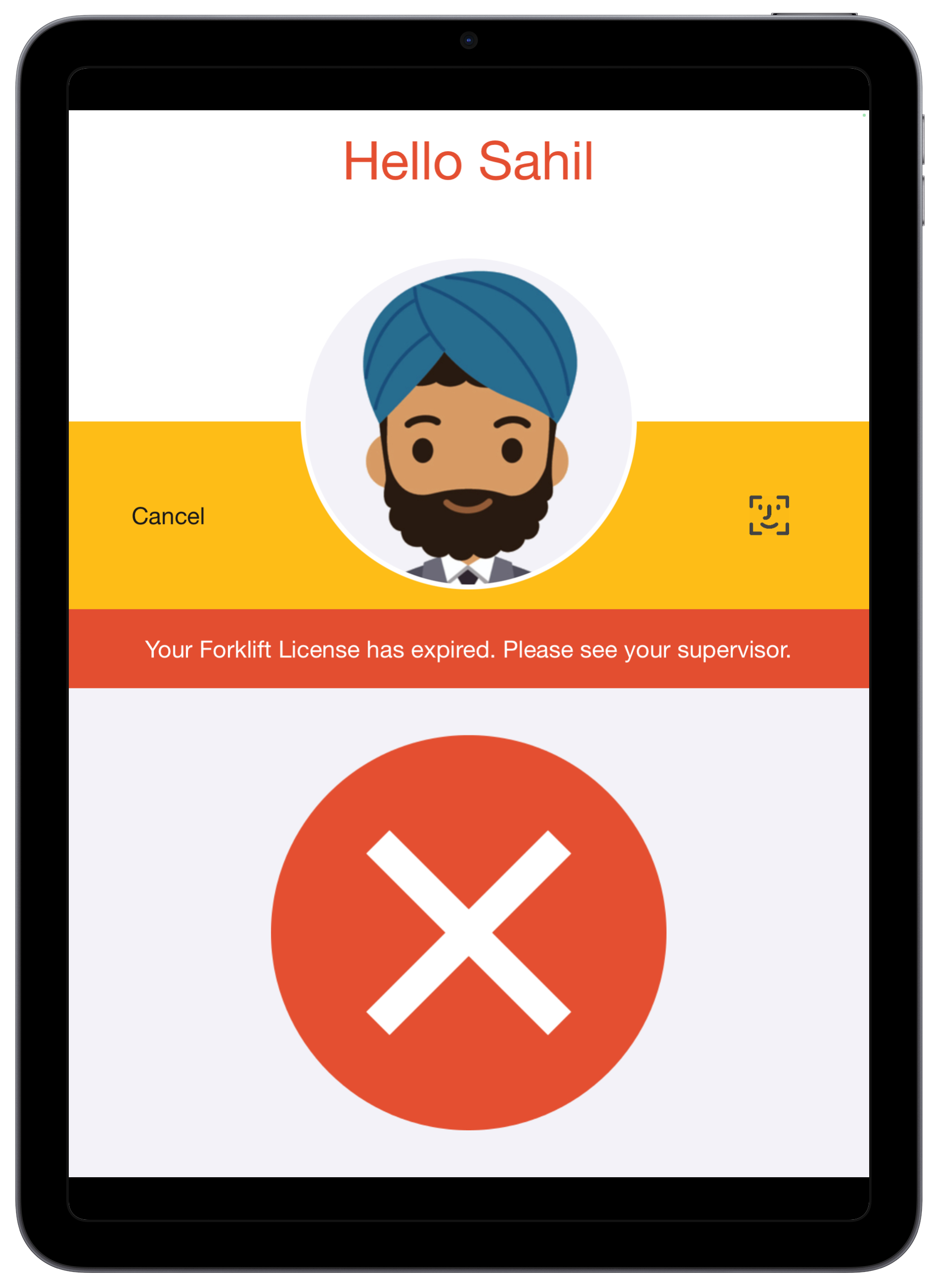
All expiry date messages include both a message component (eg: "Your access has expired.") and an expected action (eg: "Please see your supervisor."). You can configure these by specifying the "skill" and "action" options respectively. For example:
skill=Forklift License, action=Please renew it ASAP.
In the NoahFace iPad App only, you can also indicate that you want the expiry date to be refreshed in real time before a warning or error is displayed, by specifying the "expsync" option. Refreshing the expiry date requires an active network connection. For example:
expsync=trueiPad Example
Mobile Example
Was this article helpful?
That’s Great!
Thank you for your feedback
Sorry! We couldn't be helpful
Thank you for your feedback
Feedback sent
We appreciate your effort and will try to fix the article