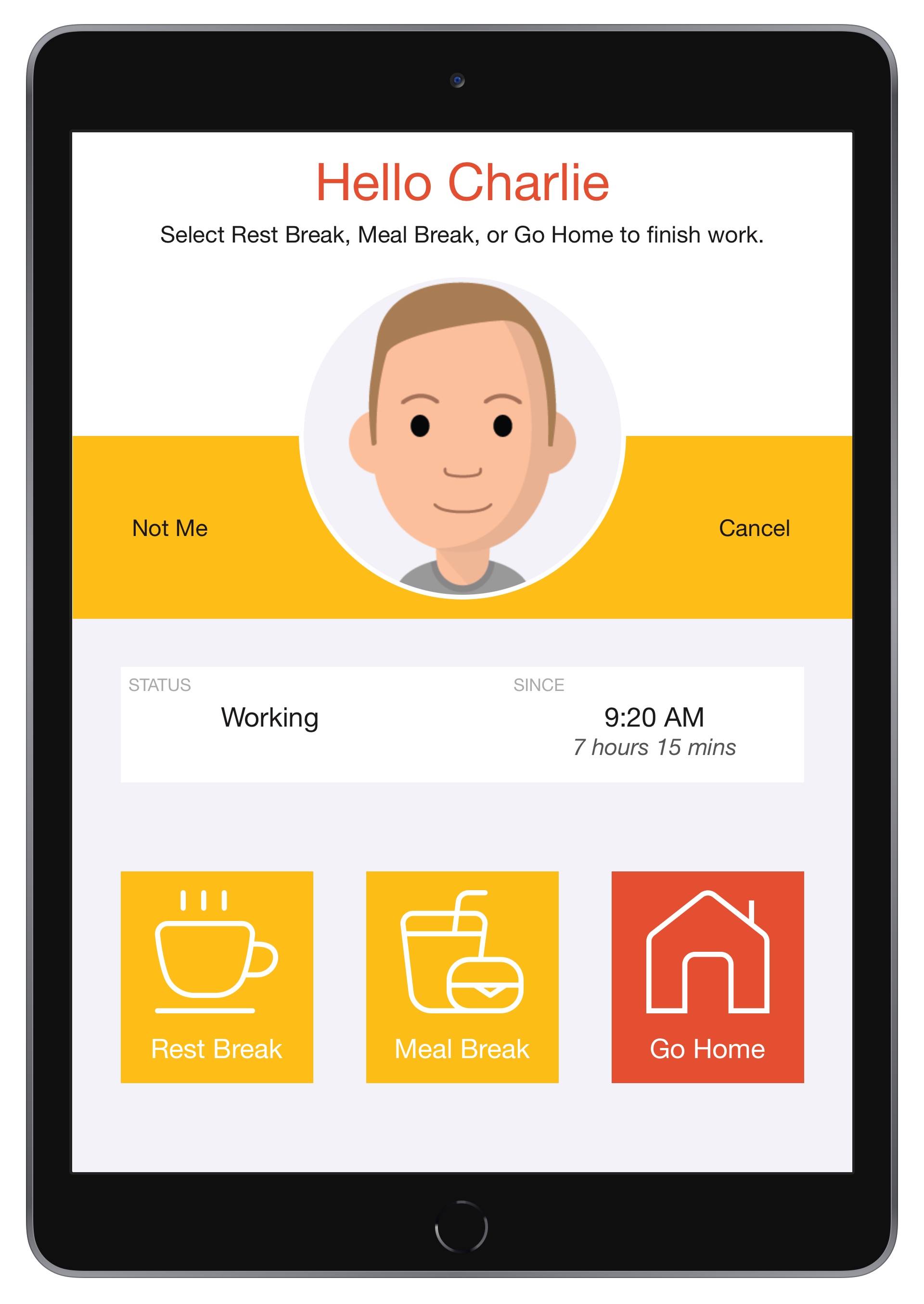
The Clock In/Out screen in the NoahFace App supports icons on the Clock In, Clock Out, and Start Break buttons. Using icons provides a rich and intuitive user experience, and can reduce both clocking times and error rates in environments where employees use multiple languages and/or have low literacy skills.
Configuration
To enable icons, just specify "icons=true" in the Screen Details of your Access Point Type. You can then select the icons to be used on each button by specifying any or all of the following configuration options:
- inicon. The icon used on the Clock In button.
- breakicon. The icon used on the Start Break button.
- outicon. The icon used on the Clock Out button.
- resticon. The icon used on the Rest Break button.
- mealicon. The icon used on the Meal Break button.
The available icons are listed below:
- play
- pause
- stop
- meal
- cutlery
- burger
- sandwich
- sushi
- coffee
- hardhat
- pick
- clean
- health
- truck
- wrench
- hammer
- home
NB: The use of Clock In/Out icons requires iOS 15.0 or later.
Examples
Manufacturing
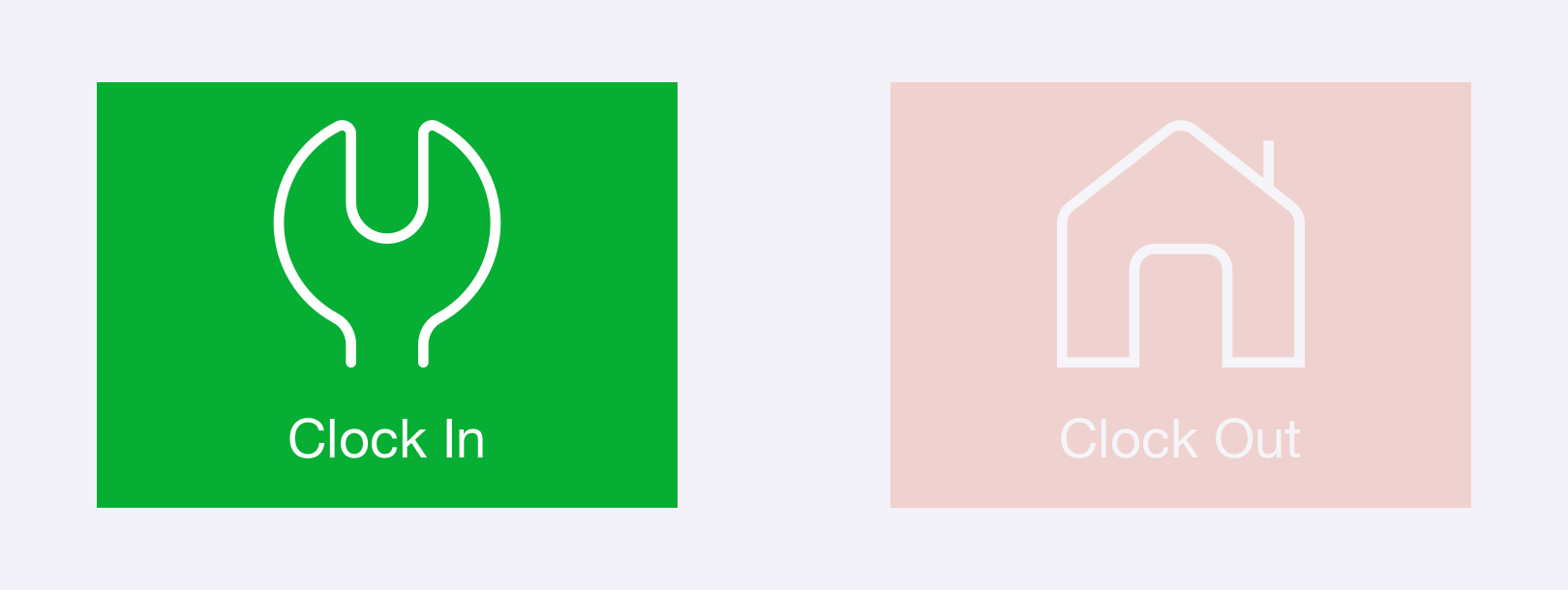
A manufacturing firm might consider the following configuration:
mode=auto,
useicons=true,
inicon=wrench,
outicon=home
When a worker arrives for their shift, they would see the following options:
Construction
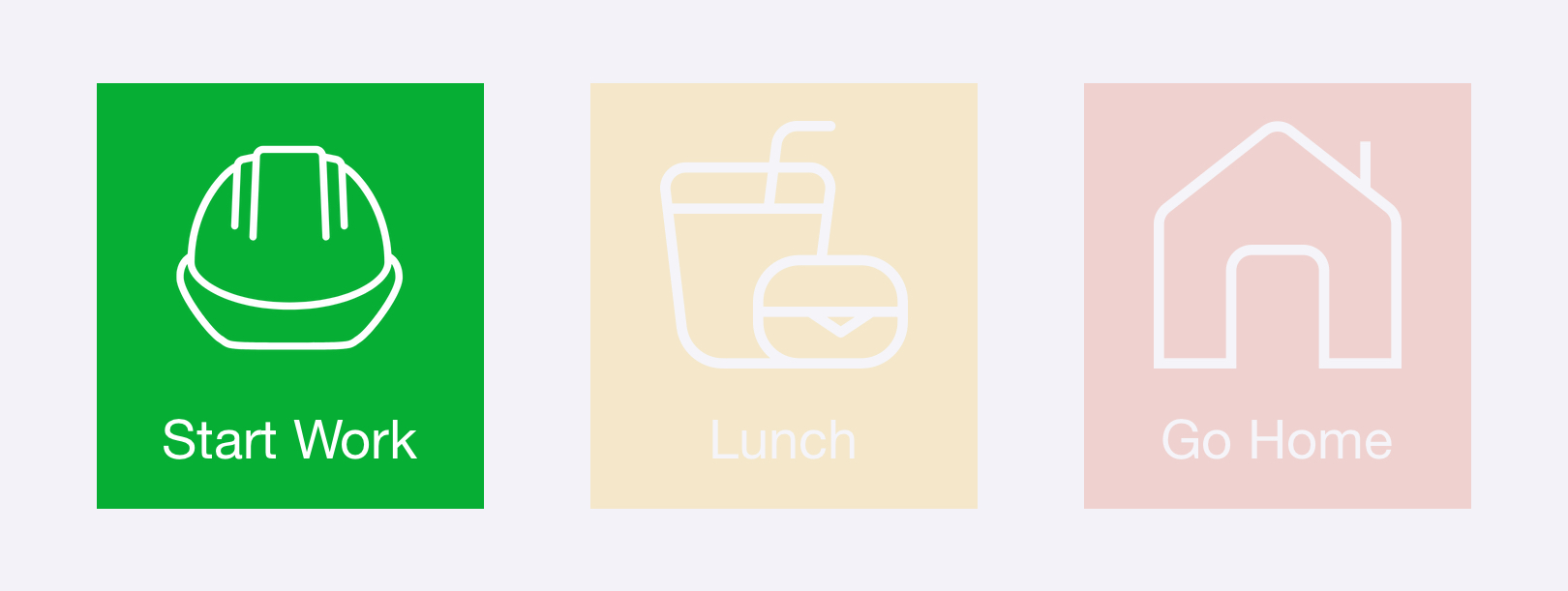
A construction firm might consider the following configuration:
mode=break,
useicons=true,
inicon=hardhat,
breakicon=meal,
outicon=home,
in=Start Work,
startbr=Lunch,
endbr=Restart Work,
out=Go Home
When a worker arrives for their shift, they would see the following options:
Mining
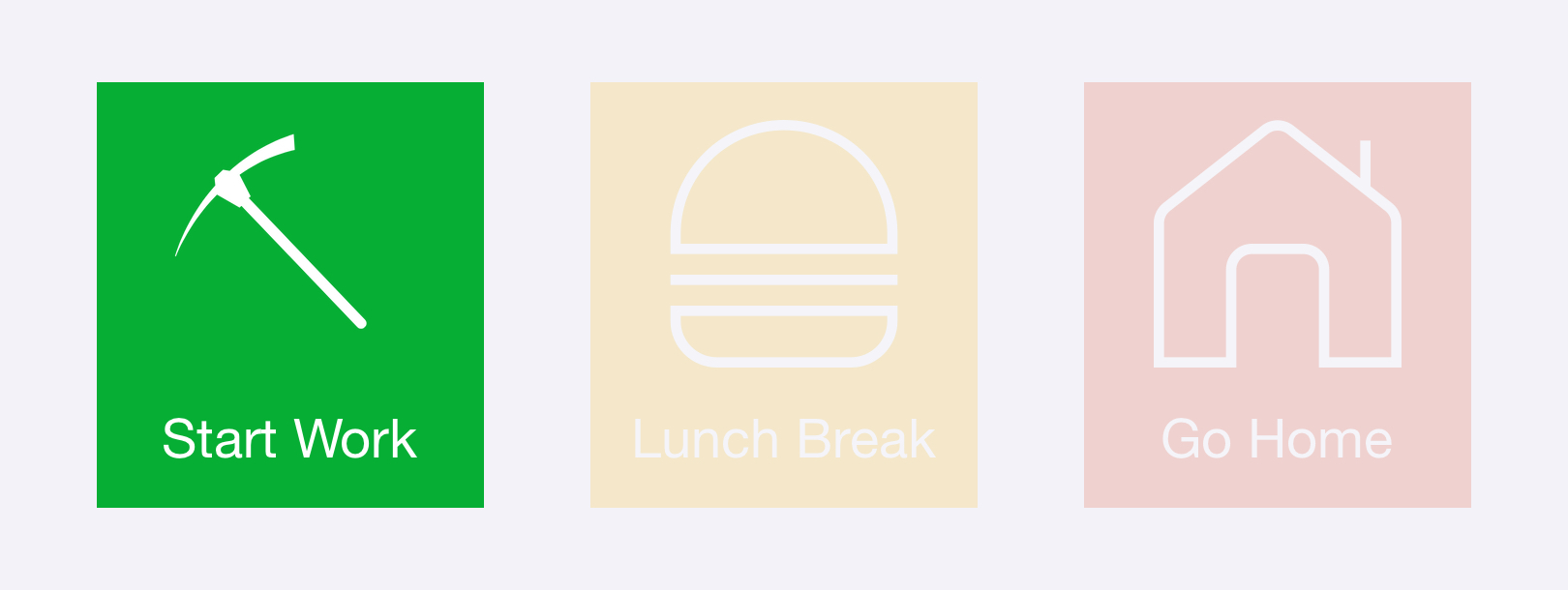
A mining business might consider the following configuration:
mode=break,
useicons=true,
inicon=pick,
breakicon=burger,
outicon=home,
in=Start Work,
startbr=Lunch Break,
endbr=Restart Work,
out=Go Home
When a worker arrives for their shift, they would see the following options:
Cleaning
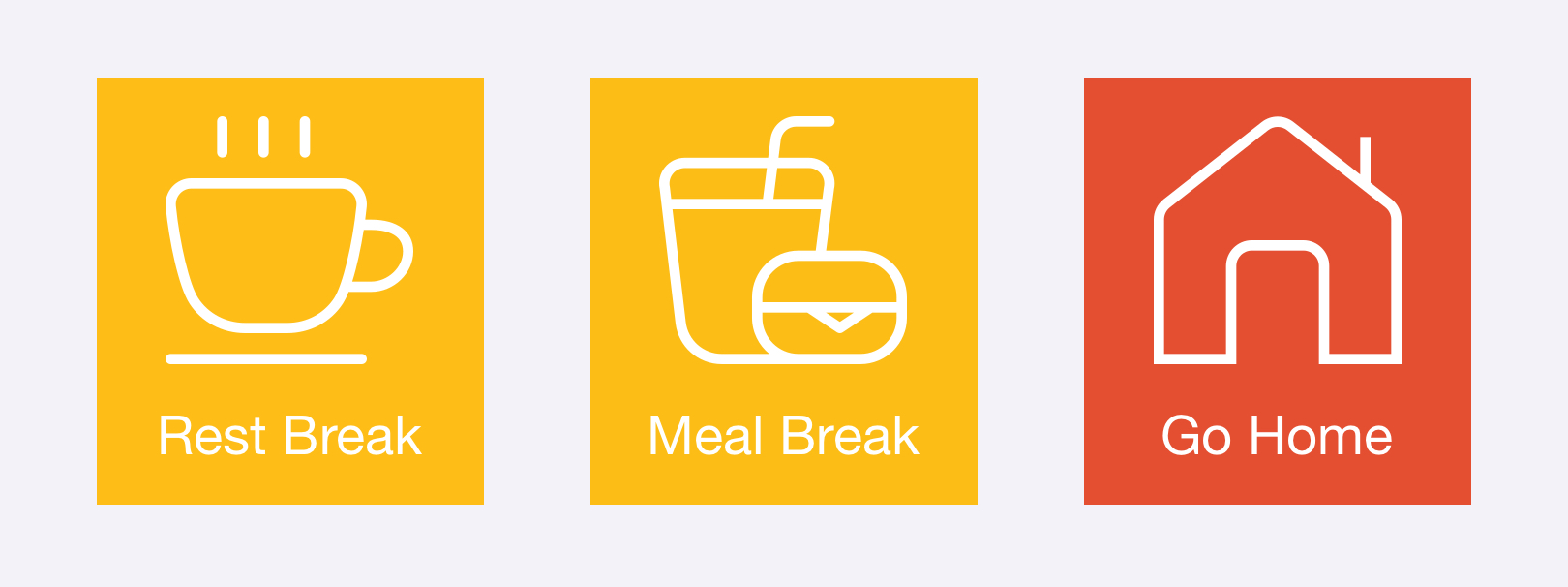
A cleaning business wanting to separately record both rest breaks and meal breaks might consider the following configuration:
mode=rest,
useicons=true,
inicon=clean,
outicon=home,
in=Start Work,
endbr=Restart Work,
out=Go Home
When a cleaner that is currently working clocks out, they would see the following options:
Was this article helpful?
That’s Great!
Thank you for your feedback
Sorry! We couldn't be helpful
Thank you for your feedback
Feedback sent
We appreciate your effort and will try to fix the article